

Google just made a move that changes the real estate lead generation landscape.
On June 11, 2026, Google officially expanded its enhanced Local Services Ads for home listings to all 50 U.S. states. Buyers searching for homes on Google can now see property cards directly in search results with photos, prices, key features, and a direct button to call or message a local agent.
No Zillow in the middle. No Realtor.com click-through. Just Google, a listing, and a buyer ready to connect.
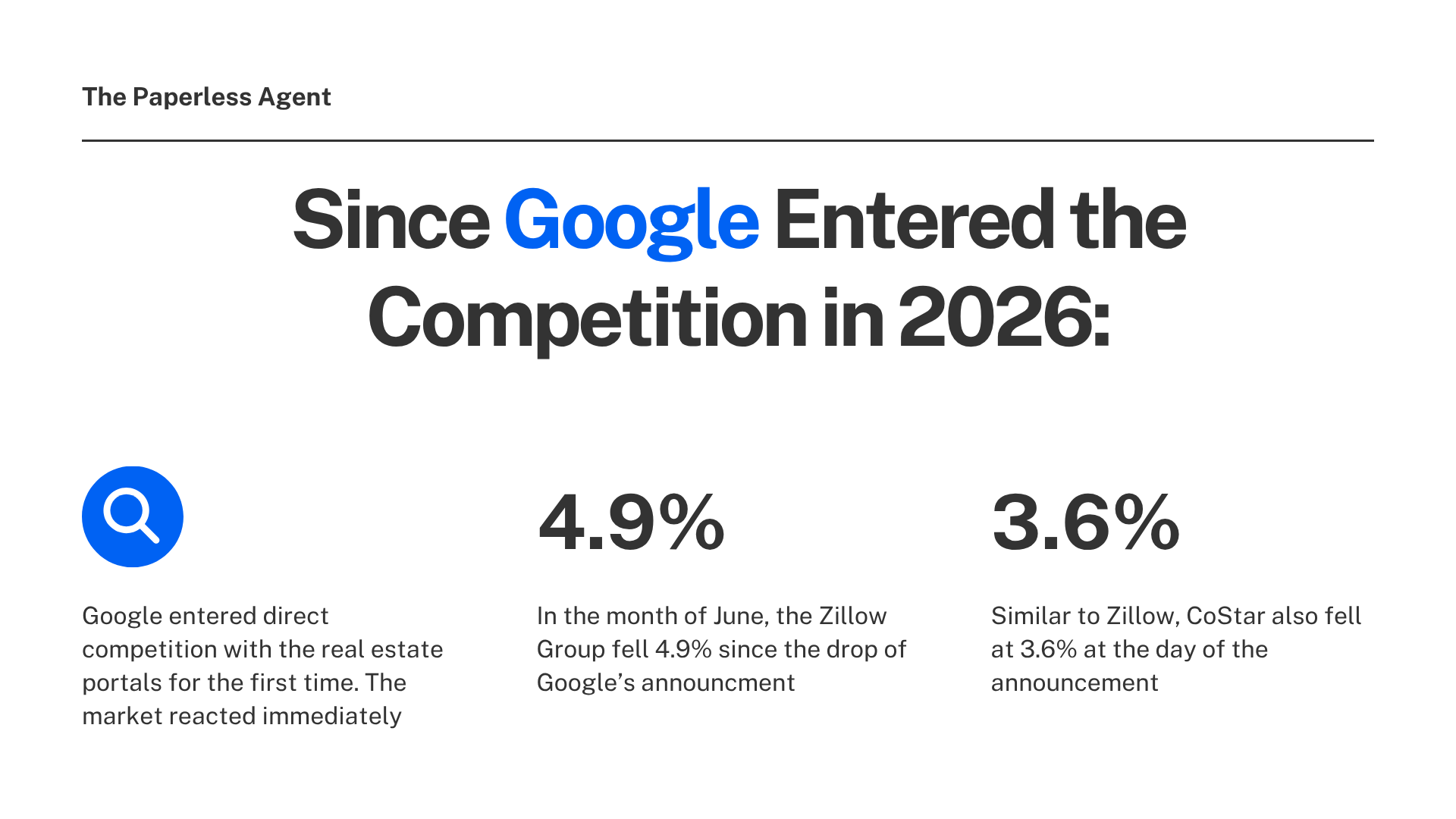
This is Google entering direct competition with the real estate portals for the first time. The market reacted immediately: Zillow Group fell 4.9% and CoStar fell 3.6% intraday on the day of the announcement. That reaction tells you something about how seriously the industry is taking this.
For real estate agents, the question is how to get set up before your competition figures out it exists.
What Google's Home Listing Ads Really Are
Google's Home Listing Ads are an enhanced version of Local Services Ads AKA the verified business listings that appear at the very top of Google search results when someone searches for a local professional.
The difference with the new home listing format: property details are embedded directly into the ad. When buyers search for homes, this expanded format surfaces relevant property details (Ex: pricing, images, core home features) powered by a partnership with HouseCanary's rich data platform. Buyers can then call, message, or book an appointment with a local agent right from the ad.
The ad appears when a buyer searches phrases like "homes for sale near me" or "real estate agents near me." Depending on how you configure your account, you can show up as a buyer's agent, a seller's agent, or both.
You automatically get access to this format when you opt into the Buyer's agent or Seller's agent job types in the "Real estate" category. If you only opt into sell service types, you'll only surface on real estate agent queries. If you opt into both service types, you'll surface on both queries.
Why This Is a Significant Shift for Real Estate Lead Generation
Google has not been in direct competition with the real estate portals. Zillow, Realtor.com, and Homes.com have held dominant positions as the places buyers go to search for homes online, with agents paying significant amounts to appear prominently on those platforms.
The investor read was straightforward: if Google can display listings and monetize the homebuyer connection inside Search, the portals lose their position as the default starting point.
For agents, the pay structure is what makes this particularly interesting. You do not pay for impressions. You do not pay for clicks. You pay per lead, and only when a customer contacts you directly through the ad. If someone calls you through an LSA, you pay. If they see your ad and don't call, you pay nothing.
That model is meaningfully different from portal advertising, where agents often pay flat fees or per-click costs with no guarantee of direct contact. According to Google's own data, businesses that appear in LSA results get 25 to 30% more calls than those relying on organic listings alone for the same search queries.
The leads that come through are also high-intent by nature. Someone searching for a specific home on Google and responding to an agent ad is further along in the decision process than someone scrolling a social feed or browsing a portal passively.
What You Need to Know About Current Coverage
Nationwide eligibility does not mean nationwide coverage. The listings that fill the enhanced format currently flow from just three MLSs: CRMLS, San Diego MLS, and My State MLS.
This is an important distinction. The ad format is available to agents in all 50 states. But the enhanced home listing experience (where actual property cards with photos and pricing appear in the ad) depends on whether your MLS has a data-sharing agreement with Google's partner HouseCanary.
If your listings are not in CRMLS, San Diego MLS, or My State MLS, they will not appear in the enhanced format today. Do not promise a seller exposure the program cannot yet deliver in your market.
The reason for the limited MLS coverage comes from a data rights issue that paused the original pilot. Google and HouseCanary rolled back the initial test after receiving blowback for how they were using HouseCanary's brokerage status to access listing data from MLSes without prior consent. The relaunch required explicit MLS and brokerage buy-in, with inventory growing MLS by MLS rather than all at once.
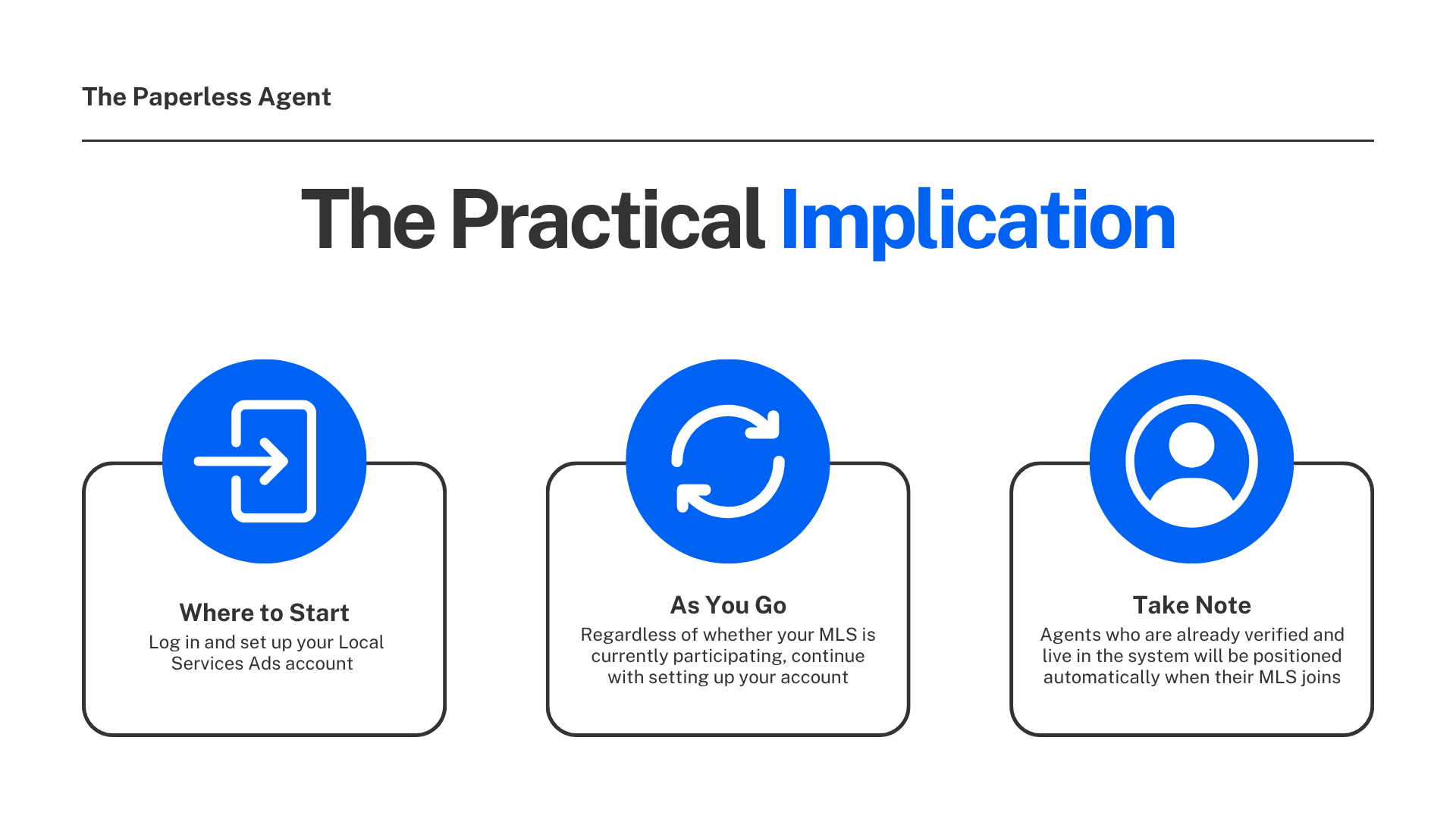
The practical implication: set up your Local Services Ads account now, regardless of whether your MLS is currently participating. Agents who are already verified and live in the system will be positioned automatically when their MLS joins.
The Two Things You Need Before You Can Run These Ads
1. A Verified Google Business Profile
A Google Business Profile is the panel that appears when someone searches your name or searches for real estate agents in your area. It shows your photo, your reviews, your contact information, and your service area.
If you do not have one set up and verified, that is the first step. Google Business Profile is free to create at business.google.com.
Your Google Business Profile also needs to be linked to your Local Services Ads account. So making sure it is complete, accurate, and verified before you start the LSA setup process saves time.
2. A Local Services Ads Account
In October 2025, Google consolidated its two previous badge types, Google Guaranteed and Google Screened, into a unified Google Verified blue checkmark. The money-back guarantee that was part of Google Guaranteed was discontinued. What remains is a verification process that confirms you are a licensed real estate professional in your state.
Existing LSA agents will automatically appear in this experience. New agents can sign up for LSAs directly to start receiving high-intent leads, and portal partners can enroll their agents through the LSA managed partner program.
How to Get Set Up: Step by Step
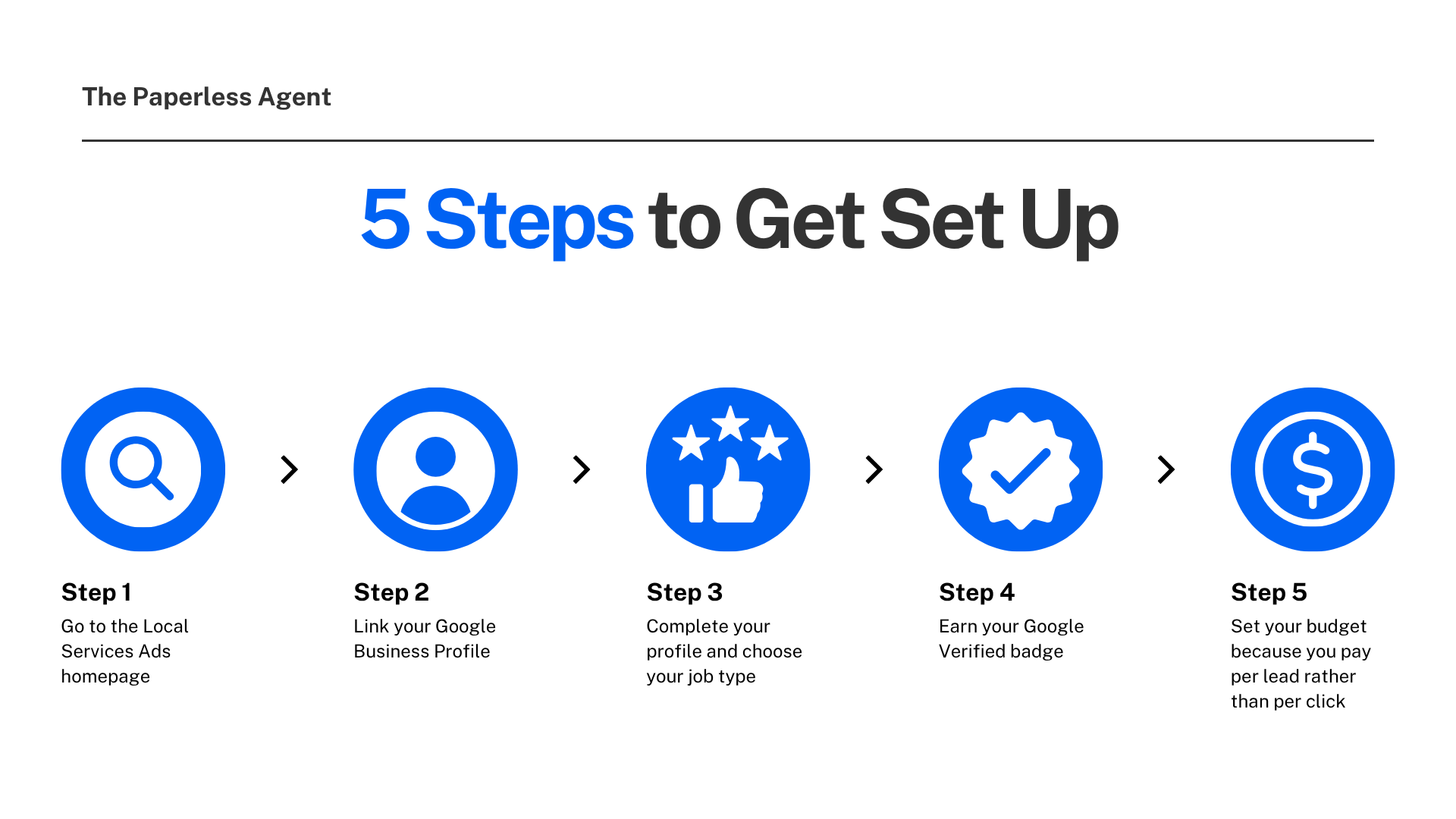
Step 1: Go to the Local Services Ads homepage Navigate to ads.google.com/local-services-ads and click Get Started. This begins the verification process.
Step 2: Link your Google Business Profile During setup, you will select the Google Business Profile you have already created. The two accounts need to be connected for the home listing ads to function.
Step 3: Complete your profile and choose your job type Under the Real Estate category, select buyer's agent, seller's agent, or both. This determines which searches your ads appear for. Selecting both means you can show up on "homes for sale near me" searches and "real estate agents near me" searches.
Step 4: Earn your Google Verified badge The verification process confirms your real estate license and professional status. The verification process typically takes two to four weeks from submission of all required documents. Background checks run on a separate timeline from business license verification. Start the process as early as possible.
Step 5: Set your budget Because you pay per lead rather than per click, budgeting works differently than traditional Google Ads. You set a weekly or monthly budget and Google manages delivery within that amount. You only spend when a qualified lead contacts you directly.
What to Do If Your MLS Is Not Yet Participating
The enhanced property card format requires your listings to be in a participating MLS. If your MLS is not currently one of the three participating (CRMLS, San Diego MLS, My State MLS), the home listing format will not display your properties, but you can still run standard Local Services Ads as a verified real estate agent and appear at the top of search results for "real estate agents near me" queries.
The strategic move right now is to get verified and live in the Local Services Ads system. When your MLS joins the data-sharing agreement, you will be positioned automatically rather than scrambling to set up an account after the fact.
Reviews on your Google Business Profile count toward your LSA star rating and review count. This is one of the main reasons Google Business Profile review generation should be a consistent priority for agents using LSAs. Start collecting reviews now because they will directly influence how prominently your ads appear when the full program reaches your market.
The Bigger Picture
Google already processes billions of real estate-related searches every year. Until now, those searches largely sent buyers to Zillow, Realtor.com, and the portals. Google expanded its enhanced Local Services Ads to all 50 states, allowing real estate agents to display property listings complete with price, photos, and key features, directly in search results. The ads connect consumers searching for homes with local agents who can schedule tours or appointments.
The architecture Google is building does not require the portals. It connects buyers directly to agents through the search engine they were already using. If that model scales, it changes where the real estate lead generation dollars flow and which professionals capture high-intent buyers at the top of the funnel.
Getting set up now is about being positioned in a channel that is already live, available to all 50 states, and growing MLS by MLS.
Frequently Asked Questions
Q: What are Google Home Listing Ads and how are they different from regular Google Ads? Google Home Listing Ads are an enhanced version of Local Services Ads that embed actual property details with photos, prices, and home features, directly into search results when buyers search for homes. Unlike traditional Google Ads where you pay per click, you only pay when a buyer contacts you directly by calling or messaging through the ad. The listing data is powered by HouseCanary through partnerships with participating MLSs.
Q: Do I need to pay for clicks and impressions to run these ads? No. Local Services Ads operate on a pay-per-lead model. You only pay when a buyer calls or messages you directly through the ad. If buyers see your ad and do not contact you, there is no charge. This makes the cost more predictable than traditional digital advertising where impressions and clicks occur regardless of contact.
Q: Are these ads available in my market? The ad format is available to agents in all 50 U.S. states. However, the enhanced home listing experien currently requires your listings to be in one of three participating MLSs: CRMLS, San Diego MLS, or My State MLS. If your MLS is not yet participating, you can still run standard Local Services Ads as a verified agent and appear prominently in real estate agent searches.
Q: What is the Google Verified badge and do I need it? The Google Verified badge is the blue checkmark that appears next to your Local Services Ads listing. It signals to buyers that you are a licensed, verified real estate professional. As of October 2025, Google consolidated its previous Google Guaranteed and Google Screened badges into this single verification. You need to complete the verification process ( including license verification) to run Local Services Ads. The verification process typically takes two to four weeks.
Q: Can I show up as both a buyer's agent and a seller's agent? Yes. During your Local Services Ads profile setup, you select your job type under the Real Estate category. You can choose buyer's agent, seller's agent, or both. Selecting both means your ads can appear for property listing searches and for real estate agent searches, giving you more opportunities to connect with buyers and sellers across different search queries.
Q: Why did Google pause this program earlier in 2026? Google and HouseCanary initially launched the program in December 2025 but paused it in early January 2026 after concerns about using MLS listing data for paid advertising without explicit consent from listing brokers. The program relaunched in mid-May 2026 with a consent-first model requiring explicit MLS participation agreements. The current nationwide rollout operates within those agreements, with inventory growing one MLS at a time rather than using IDX data broadly.
Q: How does this affect my relationship with Zillow and other portals? These ads do not require you to change your presence on Zillow, Realtor.com, or other portals. You can run Google Local Services Ads alongside your existing portal presence. The strategic implication is that Google is creating an additional channel for buyers to find agents directly, which may over time reduce the dominance of portals as the default starting point for home searches. For agents, more channels for direct buyer contact is generally a positive development.
Q: How important are Google reviews for these ads? Very important. Your Google Business Profile review count and star rating directly influence how prominently your Local Services Ads appear. Google factors review signals into ad ranking within the Local Services format. Agents with more reviews and higher ratings tend to appear more prominently. If you are not currently collecting reviews consistently after transactions, this is a strong reason to start now.
📎 Links mentioned in this post:
- Local Services Ads setup: https://ads.google.com/local-services-ads
- Google Business Profile: https://business.google.com