

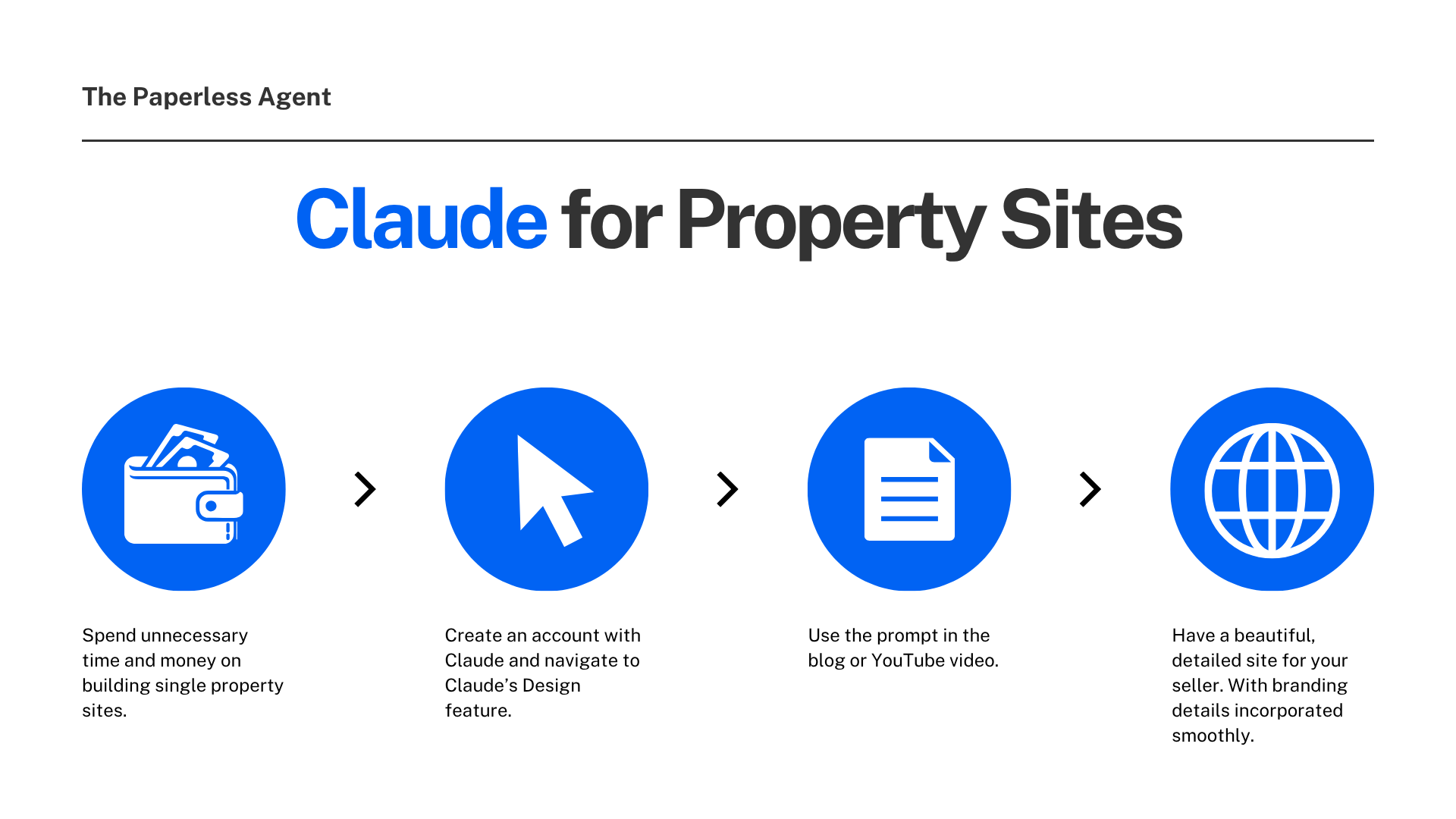
Single property websites have always been one of those marketing tools that look great in theory but rarely happen in practice.
The idea is simple: create a dedicated website for each listing with professional photos, property details, neighborhood information, and a call to action. Sellers love it. It signals serious marketing. It gives the listing its own digital presence separate from your main site.
The reality for most agents: it takes too long, costs too much, and requires design skills or a web developer most agents do not have access to.
Claude Design just changed that equation entirely.
In a recent test, a complete, professionally designed single property website was built using one simple prompt, a CMA, and a handful of listing photos. Claude selected the best hero image on its own, pulled every property detail directly from the CMA without manual data entry, matched the branding and color palette of an existing website without being explicitly instructed to do so, and delivered a finished, exportable site ready to publish.
This post walks through exactly how it works, what the tool is capable of, and why it matters for real estate agents who want to market listings at a higher level without adding hours to their workflow.
What Is Claude Design?
Claude Design is Anthropic's newest product, launched in April 2026 as part of Anthropic Labs. It lets you collaborate with Claude to create polished visual work like designs, prototypes, slides, one-pagers, and more.
Think of it as a design collaborator you communicate with in plain English. You describe what you want, upload the materials you have, and Claude builds a first version. From there you can refine it through conversation, inline comments, or direct edits.
Claude Design doesn't produce static screenshots or mockup images. It generates real, functional code: HTML, CSS, and JavaScript for web pages and interactive components. This matters because the output is deployable. A landing page Claude generates isn't just a visual reference, you can copy the HTML and put it on a server.
For real estate agents, that means the single property website Claude builds is not a mockup you then have to hand off to a developer. It is an actual, functional website you can host and share immediately.
Claude Design is powered by Claude Opus 4.7 and is currently available in research preview for Claude Pro, Max, Team, and Enterprise subscribers. You can access it at claude.ai/design.
Why Single Property Websites Matter for Listings
Before getting into the how, it’s worth understanding the strategic value of single property websites and why most agents never actually use them.
A single property website gives each listing its own dedicated digital home. It is a URL you can put on yard signs, in social media posts, in email campaigns, and in the pre-listing packet you send to prospective sellers. It signals to a seller that you are not just putting their home on the MLS and waiting. You are marketing it.
The problem has always been execution. A professionally designed single property website typically requires a web designer, a platform subscription, manual data entry, photo management, and anywhere from several hours to several days of production time. For most agents, the math never adds up.
Claude Design makes the math work.
How to Build a Single Property Website With Claude Design
Here is the exact process, step by step, from opening the tool to a finished, exportable website.
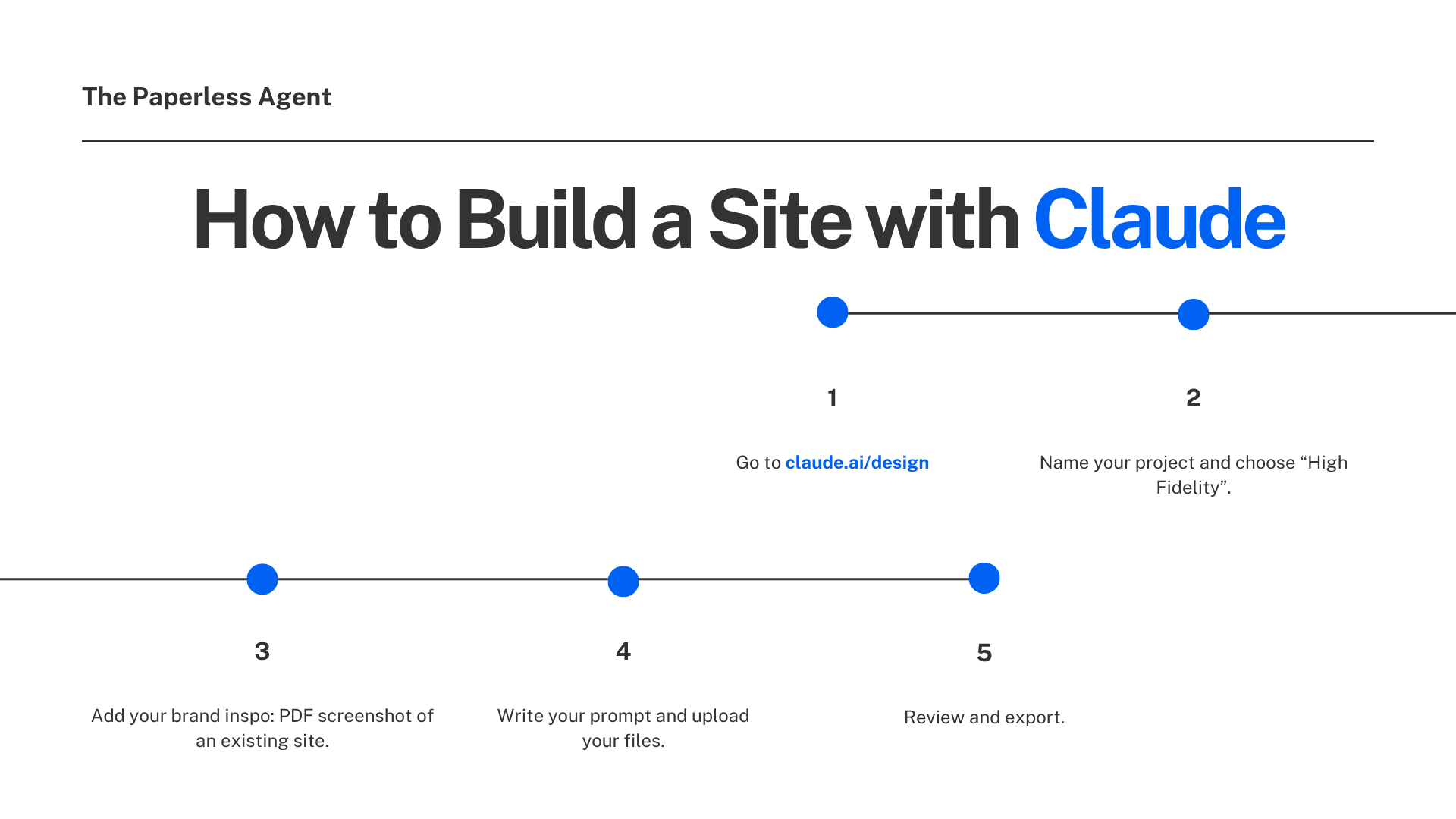
Step 1: Go to Claude Design
Open your browser and go to claude.ai/design. You will see the Claude Design interface with options to create documents, slide decks, prototypes, and more. For a single property website, you want the Prototype feature.
Step 2: Name Your Project and Choose High Fidelity
Click on Prototype and give it a name. For a property website, the address of the listing works perfectly as the project name. You will see an option to choose between Wireframe and High Fidelity.
Select High Fidelity. This tells Claude to produce a polished, finished design rather than a rough structural outline. For anything client-facing, High Fidelity is the right choice.
Step 3: Add Your Brand Inspiration
Here is the simple hack that keeps everything on brand without building a full design system.
Before writing your prompt, go to Add Screenshot and upload a PDF or screenshot of your existing website. Claude will use this as design inspiration, matching the aesthetic, color palette, and visual style of whatever you upload.
This is exactly how the single property website demonstrated in the video ended up consistent with an existing brokerage website, including the correct brand colors and fonts, without any explicit color or font instructions in the prompt itself. Claude read the screenshot and inferred the design system.
Step 4: Write Your Prompt and Upload Your Files
Your prompt can be this simple:
"Create a single property website for [property address]. Use the attached CMA and photos to create the site."
Then drag and drop your CMA and listing photos directly into the window. If you have a large number of photos, use the Link Folder option to upload them all at once.
That is the entire prompt. Claude handles everything else.
Step 5: Review and Export
Once Claude finishes processing, click Present to preview the full site. Review the layout, the photo placement, the property details, and the overall design.
When you are ready to publish or share, go to Share and choose your export option. You can export as a PDF, URL, PPTX file, or send directly to Canva where designs become fully editable and collaborative. You can also download it as a standalone HTML file to host on your website, or hand it off to Claude Code to create a hosted instance.
What Claude Does That Makes This Impressive
The most remarkable part of this workflow is not what you do. It is what Claude does without being asked.
Photo selection and placement: Claude goes through every photo you upload, evaluates each one, and selects the best image for the hero position at the top of the site. It places the remaining photos in contextually appropriate sections. You do not assign photos to sections. Claude figures out where each one belongs.
Data extraction from the CMA: Every property detail in the website — bedrooms, bathrooms, square footage, lot size, pricing information, neighborhood details — is pulled directly from the attached CMA. You do not type a single data point. Claude reads the document and populates the site.
Brand consistency: By reading the screenshot of an existing website, Claude matches the design aesthetic, color palette, and visual style without explicit instructions. Claude can apply your team's design system to every project automatically, so the output is consistent with the rest of your company's designs.
Complete site structure: The finished website includes a hero section, property details, all listing photos in appropriate sections, an embedded map, a call to action, and a professionally designed footer. All of it organized and laid out without manual configuration.
At Datadog, Claude Design has already proved capable of shortening iteration periods and enabling live design during conversations. Teams went from a rough idea to a working prototype before anyone leaves the room, with the output staying true to brand and design guidelines.
The One Setup Step Worth Doing First
Before you start building individual property websites, take 10 minutes to set up a Design System inside Claude Design. This one-time step will save you significant time on every project going forward.
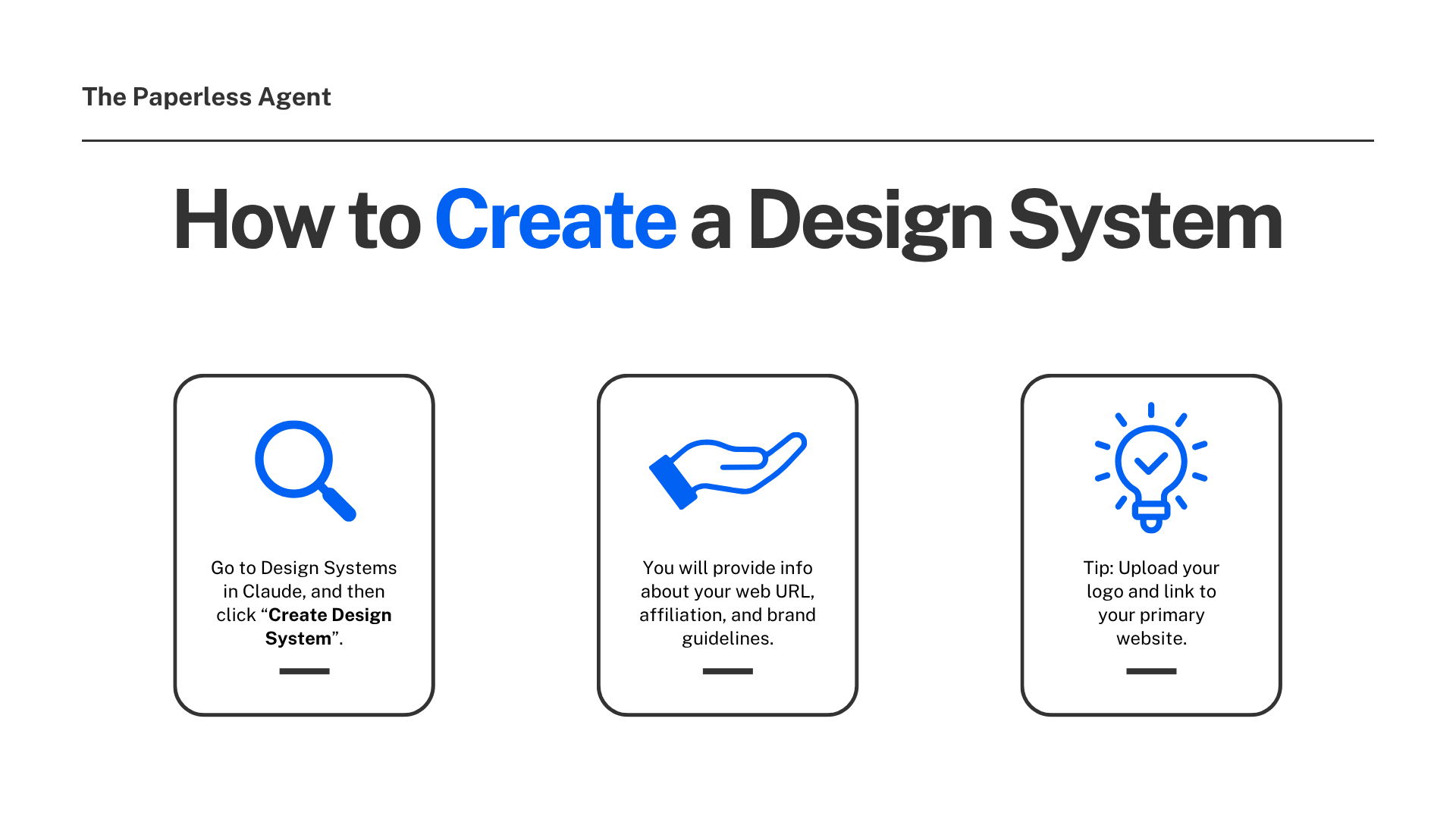
Go to Design Systems inside Claude Design and click Create Design System. You will be asked to provide information about your brand: your website URL, your brokerage or franchise affiliation, and any brand guidelines you have. You can also upload your logo and link to your primary website.
Claude reads your codebase and existing design files during onboarding and generates a complete design system — colors, typography, and component patterns — that applies automatically to every future project. You never start from a generic blank canvas again.
Once your Design System is set up, every single property website, every marketing graphic, every branded document you create in Claude Design will automatically reflect your brand without needing to upload a screenshot each time.
What Else Claude Design Can Do for Real Estate Marketing
Single property websites are an immediately practical use case, but they are far from the only application for real estate agents.
Marketing collateral: Marketers can create landing pages, social media assets, and campaign visuals, then loop in designers to polish. Pitch decks and presentations: users can go from a rough outline to a complete, on-brand deck in minutes, and then export as a PPTX or send to Canva.
For real estate specifically, Claude Design can build:
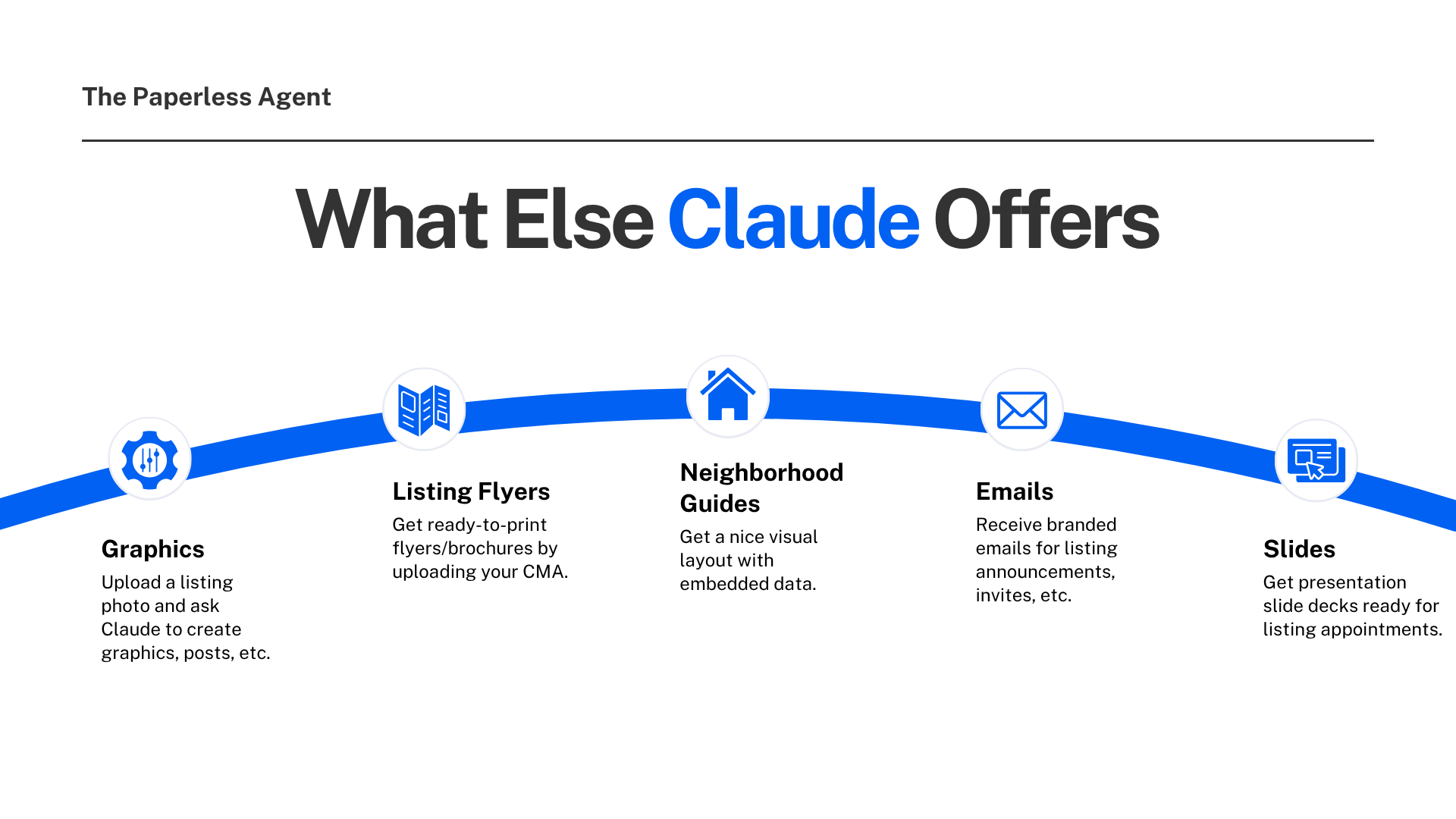
Marketing graphics for social media campaigns built around a specific listing. Upload a listing photo and ask Claude to create a set of Instagram posts, Facebook ads, and story graphics all branded to your colors.
Listing brochures and flyers formatted for print or digital distribution. Upload your CMA and photos and ask for a two-page property brochure.
Neighborhood guides with visual layout and embedded data for buyers in your market.
Branded email templates for listing announcements, open house invitations, and just-sold notifications.
Presentation slide decks for listing appointments, buyer consultations, and team training.
What distinguishes Claude Design from other AI design tools is the handoff mechanism. When a design is ready to build, Claude packages everything into a handoff bundle that can be passed to Claude Code with a single instruction. That creates a closed loop from exploration to prototype to production code, all within Anthropic's ecosystem.
How to Share or Publish Your Single Property Website
Once your site is built, you have several options for getting it in front of buyers and sellers:
Standalone HTML export: Download the site as an HTML file and host it on your own domain or any web hosting service. This gives you a fully functional, independent website at the property's own URL.
Canva export: Once in Canva, designs become fully editable and collaborative. This is a good option if you want to make visual refinements before publishing.
PDF or PowerPoint export: Useful for sharing the site as a digital document in your pre-listing packet or to include in listing presentation materials.
Claude Code handoff: For agents who want a fully hosted, live website, Claude Code can take the design and create a hosted instance. This requires a bit more technical involvement but produces a real, live URL for the property.
Why This Matters Right Now
Claude Design launched on April 17, 2026, as a research preview under Anthropic Labs. It is powered by Claude Opus 4.7, the company's most capable publicly available vision model as of April 2026.
This is a brand new tool. The agents who start using it now are building a significant head start on the majority of the market that has not discovered it yet.
Single property websites are one of those marketing deliverables that sellers genuinely notice and appreciate. They make your listing feel important. They give buyers a dedicated destination to send friends and family to. And they signal to everyone in the market that you are a serious, professional agent with a serious marketing operation.
With Claude Design, every listing can get that treatment. Not occasionally, when you have time. Every time.
Getting Started
Go to claude.ai/design right now and explore the Examples section before building anything. It gives you a genuine sense of what the tool is capable of — static designs, animations, interactive elements, marketing graphics, and more. Once you see the range of what is possible, the single property website workflow will feel like a natural starting point.
Frequently Asked Questions
Q: What is Claude Design and how do I access it? Claude Design is Anthropic's new visual creation tool that turns text prompts into websites, slide decks, prototypes, marketing graphics, and more. Access it at claude.ai/design. It is currently available in research preview for Claude Pro, Max, Team, and Enterprise subscribers.
Q: Do I need design skills or coding knowledge to use Claude Design? No. The entire interaction happens in plain English. You describe what you want, upload your files, and Claude builds it. No design software, no code editor, no templates to configure. If you can write a prompt, you can use Claude Design.
Q: Can I really build a single property website with just a CMA and some photos? Yes. The prompt demonstrated in this post is straightforward: tell Claude the property address and ask it to create a single property website using the attached CMA and photos. Claude extracts all property data from the CMA, selects and places the photos, builds the site structure, and delivers a finished, exportable result.
Q: How do I keep the website on-brand without building a full design system? Upload a screenshot or PDF of your existing website as a design reference before writing your prompt. Claude reads the visual style, color palette, and aesthetic from the screenshot and applies it to the new site. This is the quick approach. For ongoing brand consistency across all projects, the Design System setup described in this post is worth the one-time investment.
Q: How do I publish the website once it is built? Claude Design gives you multiple export options: standalone HTML for hosting on your own domain, a Canva export for further editing, PDF or PowerPoint for document distribution, or a handoff to Claude Code for a fully hosted live URL. The standalone HTML export is the most straightforward path to a live, published property website.
Q: Is Claude Design a replacement for Canva or other design tools? No, and Anthropic has been clear about this. Claude Design is built to complement tools like Canva, not replace them. It is intended for people who need to get from an idea to something visual quickly. Once a design is exported to Canva it becomes fully editable and collaborative. Think of Claude Design as the starting point and Canva as the finishing environment.
Q: What other marketing materials can I create with Claude Design beyond property websites? The tool can create social media graphics, listing brochures, email templates, presentation slide decks, neighborhood guides, marketing flyers, and branded campaign assets. The Examples section inside Claude Design shows the full range of what is possible, including animations, interactive elements, and 3D visuals.
Q: Is there a cost to use Claude Design? Claude Design is included with Claude Pro ($20 per month), Claude Max, Claude Team, and Claude Enterprise subscriptions. It is currently in research preview, which means it is still being actively developed and refined. New capabilities will continue to be added.
📎 Resources mentioned in this post:
- Claude Design: https://claude.ai/design
- Claude AI (free and Pro plans): https://claude.ai
- Canva (for exporting and finishing designs): https://www.canva.com